
You can use robots.txt to block AI training bots like GPTBot and ClaudeBot from using your content to build future models, while still allowing retrieval bots like OAI-SearchBot to access your pages for real-time answers in ChatGPT and similar tools. However, robots.txt only works on bots that choose to follow it—many don't—so for stronger control you may need to add HTTP headers or WAF rules. Test any changes in staging with the actual bot's user-agent string before deploying to production.
Robots.txt for AI: 3 Copyable Policies to Stop Training Bots
Robots.txt is still the front line for controlling AI crawler access, but it only works on bots that choose to obey it. Add explicit Disallow and Allow lines for the AI user agents you care about, decide whether you want citation without training, and test every change in staging before it goes live. If you want visibility in tools like ChatGPT and Perplexity but don't want your content feeding a training set, block the training bots and allow the retrieval bots. Verify the result with vendor tools, not guesswork.
***
TL;DR: >- Blocking training bots like GPTBot and ClaudeBot prevents your content from influencing future AI model training, but retrieval bots like OAI-SearchBot remain essential for visibility.- Proper robots.txt configuration requires exact user-agent spelling, placing specific rules above general ones, and staging tests with the target bot's user-agent string before publishing.- Using CDN, WAF rules, or HTTP headers provides enforceable control over AI crawlers, as robots.txt alone relies on voluntary compliance, which many bots ignore.- Publishing an llms.txt helps AI models understand your site's structure and content, especially for documentation-heavy sites, but it must use absolute URLs and not be blocked by robots.txt.- Regular audits and updates, including server log reviews and configuration checks, are necessary to ensure your crawling policy remains effective as vendor rules and bot tokens evolve.
***
Table of Contents
- What robots.txt actually controls for AI crawlers
- What llms.txt does and when to publish one
- Which AI crawler user agents actually matter?
- Copyable robots.txt policies for three common goals
- How do I test robots.txt changes before they go live?
- Why robots.txt alone won't stop a determined crawler
- Quick developer checklist before you ship
- The right default posture for most sites
- Get your robots.txt and llms.txt checked properly
- Sources
- FAQ
What robots.txt actually controls for AI crawlers
Robots.txt sits at the root of your domain (yoursite.com/robots.txt) and tells compliant crawlers which paths they may or may not fetch. The syntax is simple: a User-agent line names the bot, followed by Disallow or Allow lines pointing at paths. Rules are case-sensitive, and a typo in a user-agent token means the rule silently does nothing.
The catch is enforceability. Robots.txt is a request, not a lock. RFC 9309, the formal Robots Exclusion Protocol, describes how compliant crawlers should parse and apply the rules, but nothing in the standard stops a crawler from ignoring the file entirely. Reputable bots from OpenAI, Anthropic, and Google generally follow it. Scrapers with no reputation to protect often don't.
Google-Extended is a special case: it controls whether your content trains Google's AI models, but Googlebot keeps crawling for standard Search and AI Overviews regardless.
- File must sit at the domain root, not a subfolder
- User-agent tokens are case-sensitive
- Missing trailing slashes or malformed paths can nullify an otherwise correct rule
- One blank line between blocks avoids parser confusion
Pro Tip: Run your robots.txt through a plain-text validator before deployment. A single stray character in a Disallow path is the most common reason a "blocked" bot keeps crawling anyway.
What llms.txt does and when to publish one
llms.txt is not a permissions file. It's a curated Markdown index that tells large language models what your site contains and where to find the good stuff. It sits alongside robots.txt and sitemap.xml rather than replacing either. The format is deliberately plain: a short site description followed by linked sections pointing to your most important pages, written in Markdown with absolute URLs.
It earns its place fastest on documentation-heavy or technical sites, where an LLM benefits from a clean map of API references, guides, and changelogs rather than crawling a sprawling site structure. A marketing site with a handful of pages rarely needs one, since a well-built sitemap.xml already does that job.
- Keep it short: a directory, not a full-text mirror of your site
- Use absolute URLs so any model reading the file resolves links correctly
- Never add
/llms.txtto your robots.txt Disallow list, or you block the very file meant to help models understand your site
If you're weighing whether to build one, Cited's explainer on llms.txt covers the format in more depth.
Which AI crawler user agents actually matter?
Nine tokens cover most of the AI traffic worth managing, and they split into two clear jobs: building training data and answering a live user query. Training bots crawl broadly and store what they find. Retrieval bots fetch a page in response to a specific prompt, closer in spirit to how Googlebot serves Search.
User agent | Operator | Typical purpose | Recommended default |
|---|---|---|---|
GPTBot | OpenAI | Model training | Block if avoiding training |
OAI-SearchBot | OpenAI | Search/retrieval for ChatGPT | Allow |
ChatGPT-User | OpenAI | User-triggered fetch | Allow |
ClaudeBot | Anthropic | Model training | Block if avoiding training |
PerplexityBot | Perplexity | Retrieval for answers | Allow |
Perplexity-User | Perplexity | User-triggered fetch | Allow |
CCBot | Common Crawl | Training dataset | Block if avoiding training |
Google-Extended | Training-use control token | Block only to opt out of training |
- Training bots (GPTBot, ClaudeBot, CCBot) build corpora, so blocking them stops your content from shaping future model output.
- Retrieval bots and user-triggered fetchers (OAI-SearchBot, PerplexityBot, ChatGPT-User, Perplexity-User) fetch pages to answer a live query, which is the traffic that generates citations.
- ChatGPT-User and Perplexity-User sometimes fire from a residential IP mimicking a real visitor, and robots.txt has no way to distinguish that from a normal browser request.
Cited's full crawler user-agent list is worth bookmarking, since operators occasionally add new tokens without much announcement.
Copyable robots.txt policies for three common goals
Most publishers land on one of three postures. Pick the one that matches your actual goal, not the one that sounds safest.
- Maximum AI visibility. Allow every AI crawler, training and retrieval alike:
```
User-agent: *
Allow: /
```
This suits publishers chasing citations wherever they appear and unconcerned about training use.
- Allow retrieval, block training (the most common compromise):
```
User-agent: GPTBot
Disallow: /
User-agent: ClaudeBot
Disallow: /
User-agent: CCBot
Disallow: /
User-agent: OAI-SearchBot
Allow: /
User-agent: PerplexityBot
Allow: /
```
This is the policy most publisher guides recommend when the goal is showing up in AI answers without contributing to a training set.
- Block AI crawlers entirely, keep Googlebot and Bingbot working:
```
User-agent: GPTBot
Disallow: /
User-agent: ClaudeBot
Disallow: /
User-agent: PerplexityBot
Disallow: /
User-agent: Googlebot
Allow: /
```
Order and specificity both matter. Google applies a longest-match rule when Allow and Disallow rules conflict on the same path, but many simpler parsers apply whichever rule appears first, which means a policy that tests fine on a local validator can behave differently on the real crawler.
Pro Tip: Put your most specific user-agent blocks above any wildcard User-agent: * block. Parsers that read top to bottom will otherwise apply the wildcard rule first and never reach your targeted exception.
How do I test robots.txt changes before they go live?
Test in staging first, using the exact user-agent string of the bot you're targeting, before touching the production file.
- Deploy the change to a staging environment or a password-protected clone of the live site.
- Run
curl -A "GPTBot" https://staging.yoursite.com/robots.txt(swap in each user agent you've written rules for) to confirm the response matches what you intended. - Check Google Search Console's robots.txt tester for the rules affecting Googlebot and Google-Extended specifically.
- Once live,
curlthe production domain again. This confirms the public-facing file matches your origin, since CDN-managed robots.txt settings can quietly override it. - Watch server logs for a week afterwards to confirm the bots you blocked have actually stopped, and the ones you allowed are still arriving.
This staged approach catches the gap between how simple parsers and real crawlers interpret the same file, which is where most robots.txt failures start.
Why robots.txt alone won't stop a determined crawler
Robots.txt only works on crawlers that choose to respect it, so anything you actually need enforced has to sit at a layer the crawler can't opt out of.
- CDN or WAF rules can block by IP range or challenge suspicious traffic before it reaches your origin server.
- Rate limiting slows or drops requests from a bot hammering your site regardless of what robots.txt says.
- The
X-Robots-TagHTTP header and page-level meta tags (includingnoaiandnoimageai, which some AI operators say they honour) give you per-page control that robots.txt can't. - IP allow lists work well when a vendor publishes a stable range, but ranges change, so they need periodic re-checking.
Pro Tip: If you run Cloudflare, check your live robots.txt after any bot-management change. Cloudflare's managed robots.txt feature can merge or override your origin file, and the version the public sees may not match what you uploaded.
For a fuller walkthrough of enforcement options beyond the file itself, Cited's guide on making sure AI bots can access your site covers the layered approach in practice.
Quick developer checklist before you ship
- Confirm robots.txt sits at the domain root and every user-agent token is spelled exactly right.
- Decide your training-versus-retrieval stance, then write it explicitly rather than relying on a wildcard.
- Publish llms.txt only if your site is documentation-heavy enough to benefit.
- Run Cited's free audit to check file placement, token accuracy, and IP verification in one pass, or work through the OpenAI bot access checklist for a developer-level walkthrough.
The right default posture for most sites
Allow retrieval bots, block training bots, and revisit the file quarterly or whenever your CDN configuration changes. Block everything only when you have a genuine legal, commercial, or privacy reason to give up citations entirely, since that's the real trade-off.
— Tom Heaton
Get your robots.txt and llms.txt checked properly
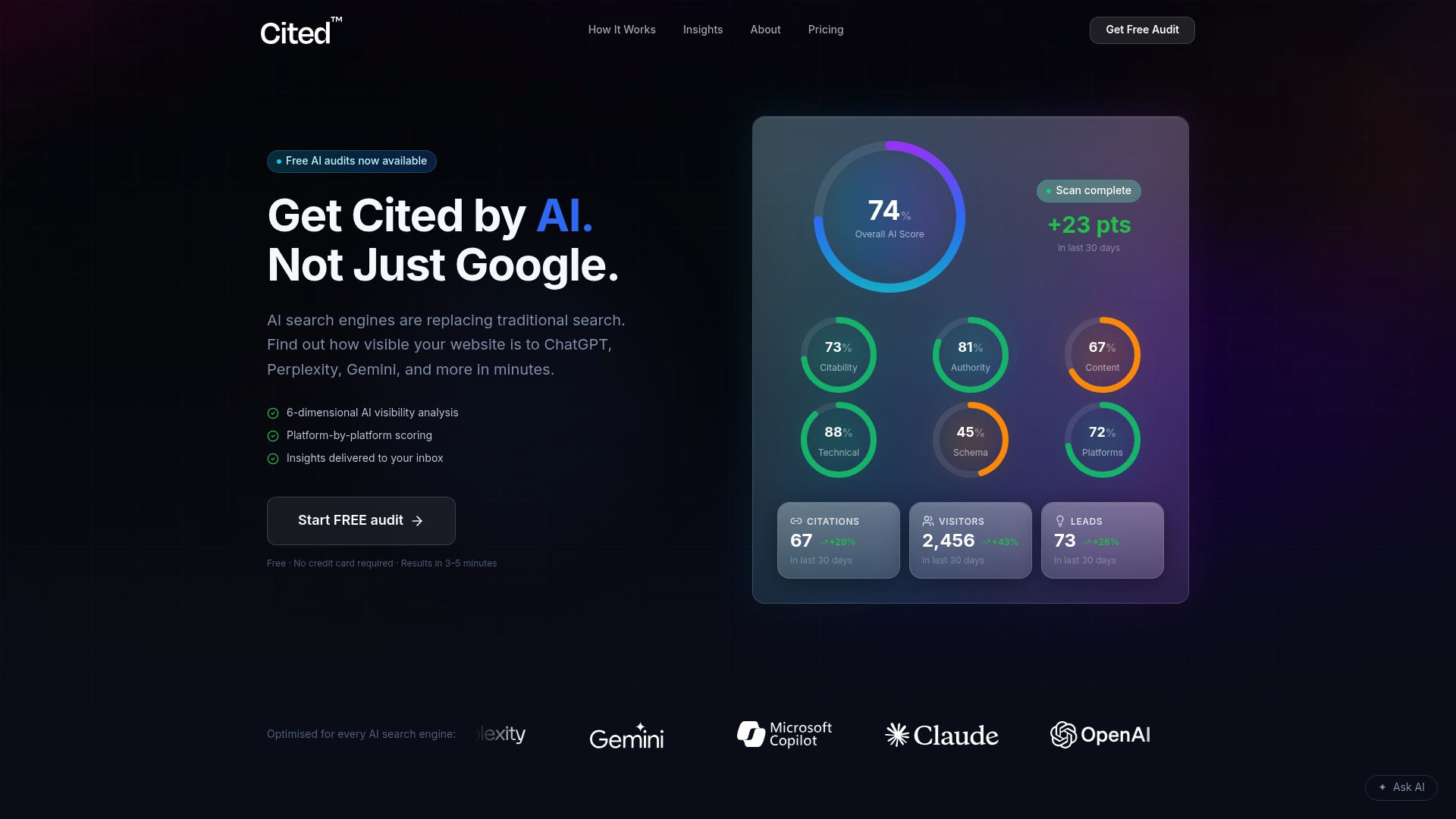
Most site owners write a robots.txt policy once and never look at it again, even after a CDN update quietly rewrites it. Cited's free AI audit checks your file placement, user-agent tokens, and llms.txt setup against the crawler behaviour described above, then hands you a prioritised list of what to fix rather than a data dump.
If the audit turns up gaps, technicians can implement the fixes directly: correcting robots.txt directives, generating a properly structured llms.txt, and configuring CDN or WAF rules so your policy actually holds at the edge. One-off Technical Fixes start from £495, and ongoing AI Optimised support runs from £995 a month for sites that need continuous monitoring as crawler behaviour and vendor tokens keep changing. Enterprise sites with more complex infrastructure can get a custom quote as described on the pricing page. Run the free audit first and see exactly where your current setup stands before committing to anything.
Sources
- RFC 9309, Robots Exclusion Protocol
- robots.txt for AI search: the 2026 cheat sheet (GPTBot, ClaudeBot, and the rest)
- Control AI Crawlers with robots.txt: Block vs. Allow (2026)
FAQ
Is there a robots.txt for AI?
Yes. There's no separate file format for AI specifically. The same robots.txt file that manages Googlebot handles AI crawlers, using the same User-agent and Disallow/Allow syntax, targeted at tokens like GPTBot or PerplexityBot instead of Googlebot.
Is robots.txt still used?
Robots.txt remains the standard first line of control for both search and AI crawlers, and every major AI operator publishes guidance on which tokens it honours. It's still the fastest way to state your crawling preferences, even though enforcement depends on the crawler choosing to comply.
Is robots.txt enforceable?
No, not in a legal or technical sense. RFC 9309 defines how compliant crawlers should interpret the file, but nothing stops a non-compliant bot from ignoring it, which is why sites needing real enforcement add CDN, WAF, or rate-limiting rules on top.
What are the key differences between robots.txt and llms.txt?
Robots.txt is a permissions file that tells crawlers what they may fetch. llms.txt is a curated content index that helps language models understand what's on your site and where to find it, with no bearing on access control at all.
Should I block or allow AI crawlers on my site?
It depends on whether you want citations, training exposure, or neither. Most publishers do best allowing retrieval bots like OAI-SearchBot and PerplexityBot while blocking training bots like GPTBot and ClaudeBot, which Cited's free audit can check is actually configured correctly on your live domain.
Recommended
Ready for your AI score?
See how visible your site is to ChatGPT, Perplexity & Gemini.
Start FREE auditResults in minutes · 100% free